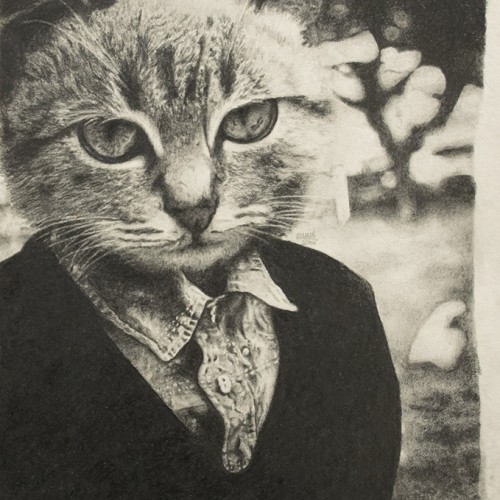
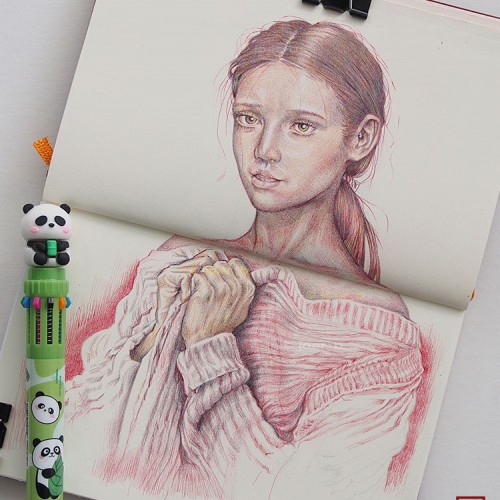
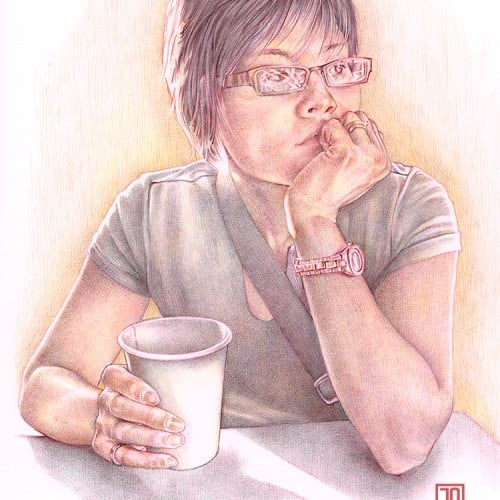
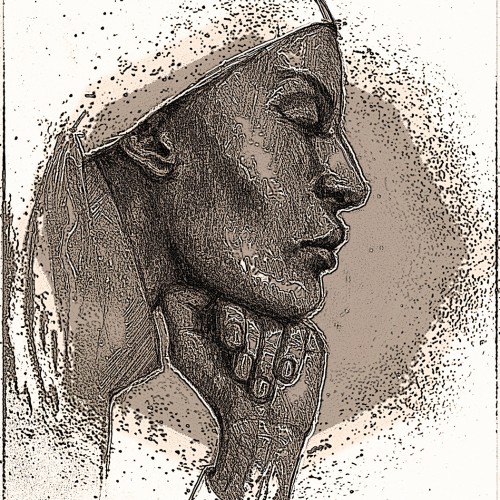
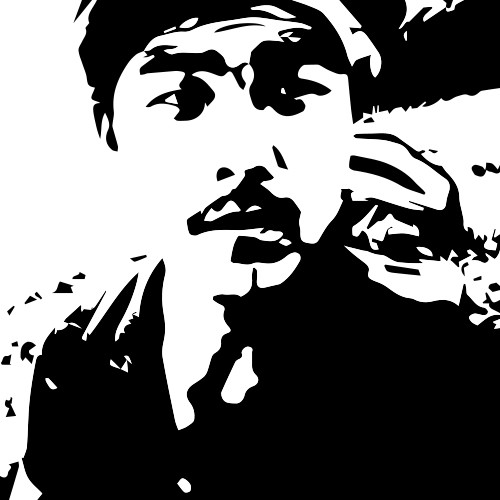
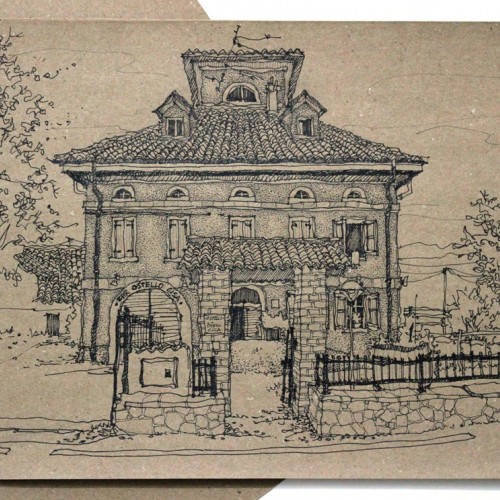
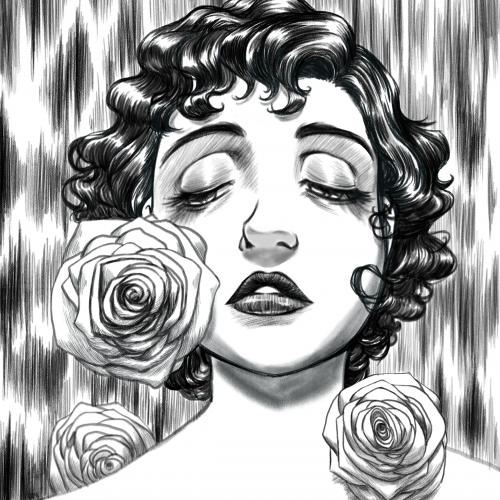
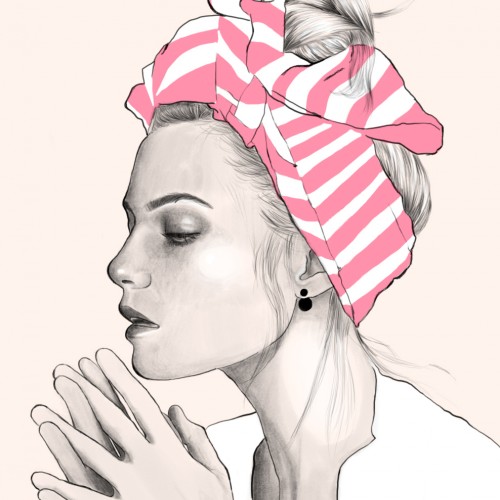
This started as a pencil drawing (see the 2nd image) that I scanned and put into Photoshop. I tried various filters including: Smudge, Ink Outline, some Splatter, changed the Exposure and added a Sepia Photo Filter. After a couple of hours of playing (I’m not very knowledgeable about digital possibilities and just use trial and error) I ended up with a dramatic image with which I am quite happy. The reference was a magazine advertisement.
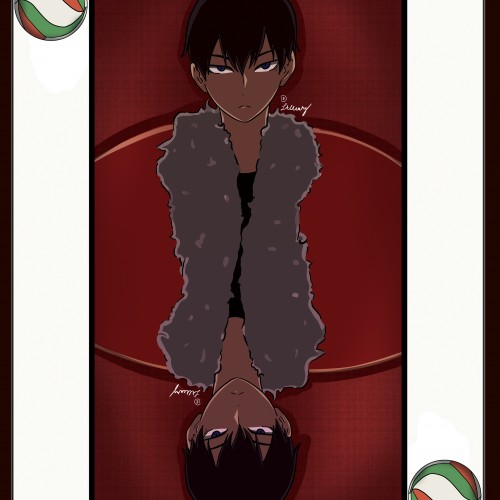
This is a drawing of Tobio Kageyama, the genius setter from the anime 'Haikyuu!!' This took me 2-3 hours I think XD?? If you like this drawing , then you can buy it from this website: https://www.redbubble.com/shop/ap/59179456
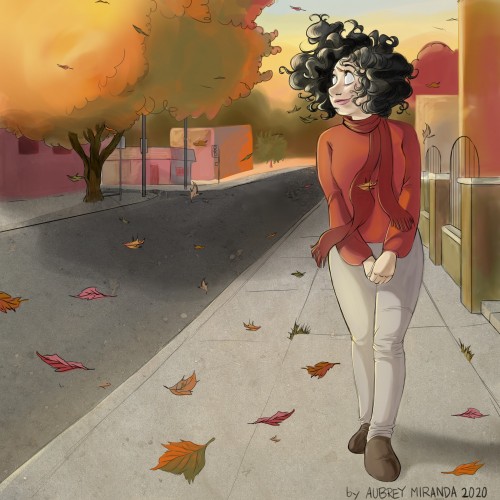
So I've really been trying to raise my digital art game because I've been a traditional artist most of my life. I'm trying to reach Loish level with color at least. Also, I love the fall season and the chill in the air it brings
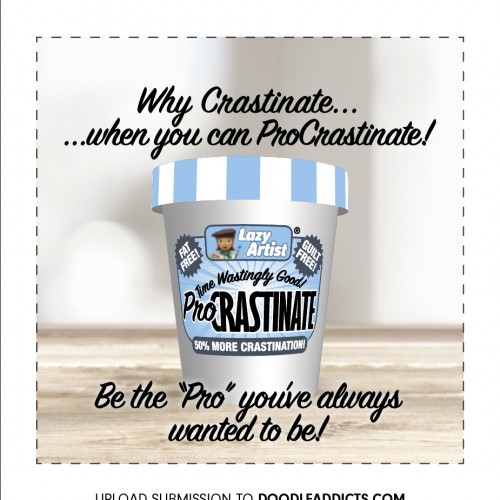
I was too late and missed the entry deadline…eating too much ProCrastinate?? lol. Anyways, couldn’t resist and fired up Adobe Dimensions, Illustrator and Photoshop for this quick and dirty advert.
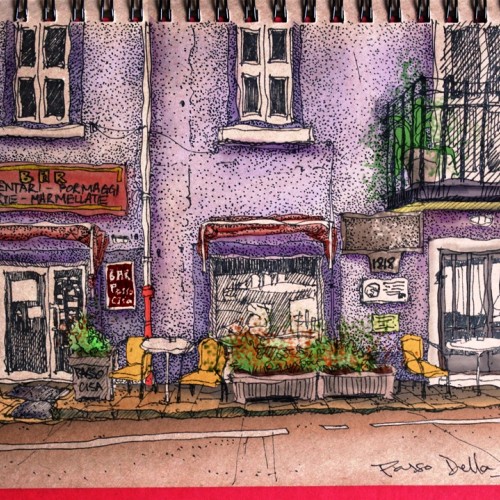
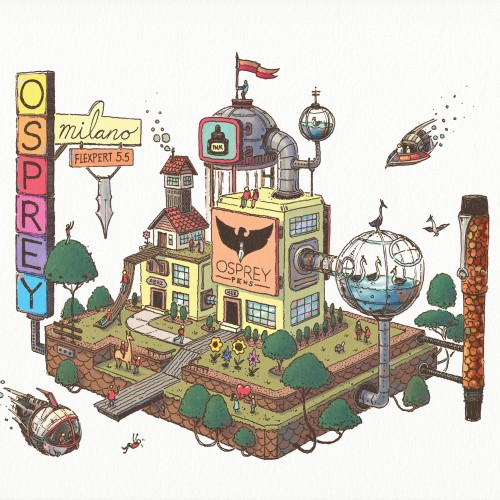
Here's the final color illustration created for Osprey Pens featuring the Osprey Pen Factory. It was drawn with the same fountain pen there on the right... An Osprey Milano 5.5 Flexpert Hourglass nib. Great pen! Colored in Photoshop.
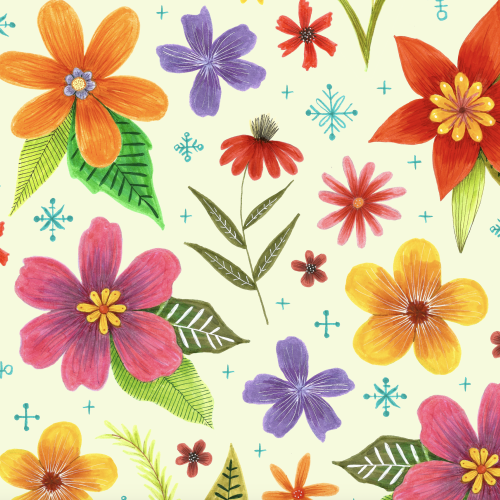
When I was planning this pattern I really wanted it to have a dark background. I built it in photoshop using hand drawn marker flowers but when I try to place them on a dark background it looks ridiculous!